
How to Convert Video to JPEG
Convert YouTube Video to GIF
How to convert AVI to BMP
How to convert AVI to image
How to convert AVI to JPEG
How to convert MPEG to JPEG
How to convert video to images
How to convert video to photo
How to convert video to pictures
Overview
Getting Started
Detail of Video to Picture Converter
Tech Article
Screenshot
Check Support Formats
Get latest version of Video to Picture Converter.
Video to Picture Converter getting started
View Detail of Video to Picture Converter
If you want to get a still jpeg image from your DVD file, any DVD player with screenshot function can help you out. But if you are looking for a way to convert DVD to seriate JPEG pictures or animated GIFs, you just come to the right place. To complete this task, the very first thing you need to do is to find a good DVD ripping program to convert your DVD to other popular formats, say MP4 and AVI. And then load your converted DVD file to related Video to Picture Software so that you can generate seriate JPEG pictures or animated GIFs easily and quickly.
Have no ideas how to find a good DVD ripping program? Here you can take advantage of WonderFox Free DVD Ripper, a really free DVD ripping program. It is a good choice for ripping/converting DVD content to the popular video/audio format. After conversion, load your converted file to Aoao Video to Picture Converter to help you do the rest part.
Aoao Video to Picture Converter is an easy to use video to picture software. You can capture a single picture/seriate pictures from video file and even create an animated GIF file yourself effortlessly. This tool program well supports processing popular video formats, like AVI, MPEG, WMV, MP4, VOB, RMVB, etc. It also allows you to adjust frame rate, resize, and add special effects to your video. The following part will guide you how to convert DVD to JPEG in details.
Tools Needed: WonderFox Free DVD Ripper >> Free Download
Aoao Video to Picture Converter >> Free Download
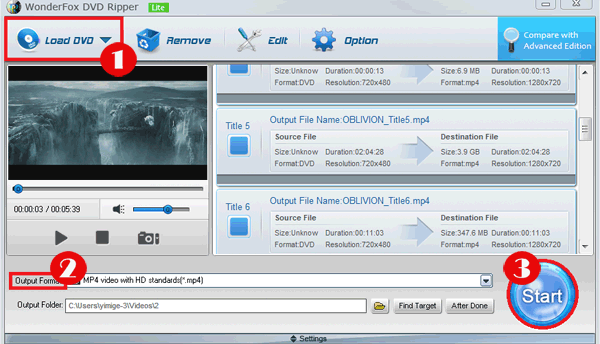
Step1: Convert DVD File to Other Formats
Put your DVD disc to you DVD drive and load it to DVD Ripper, and then select output format you need. Here we choose H.264 MP4.
Step2: Convert Your File to JPEG
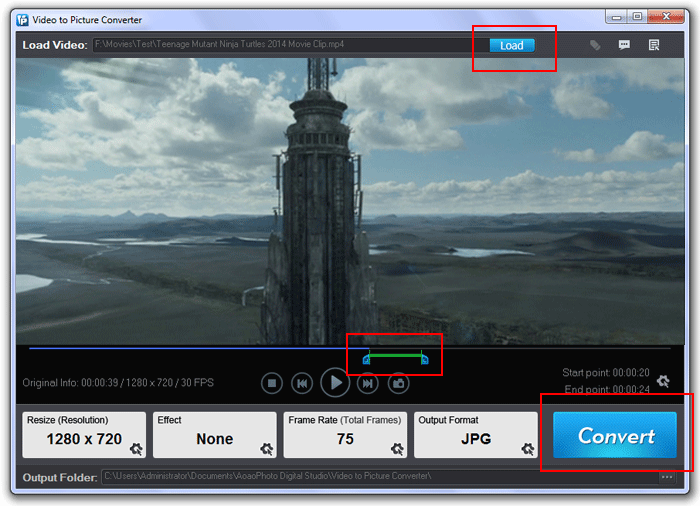
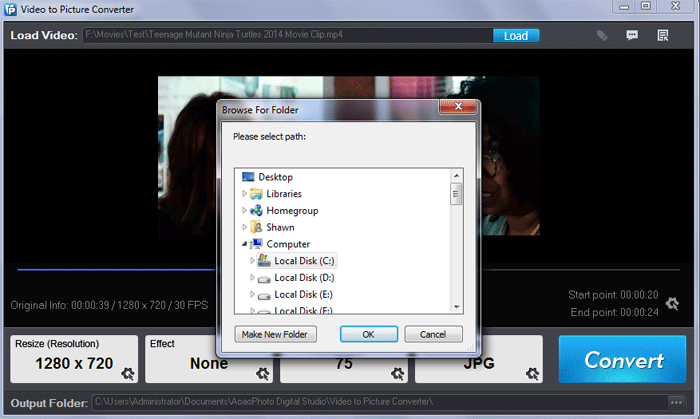
Load converted file to Aoao Video to Picture Converter.
Drag slide bar to set start frame and end frame for output. Set the output size you need.
After all the settings are done, click “Run” to jump to step 3.
Step3: Output Settings
Specify output folder and image format.
At last, hit “Run” button to start converting DVD file to JPEG.
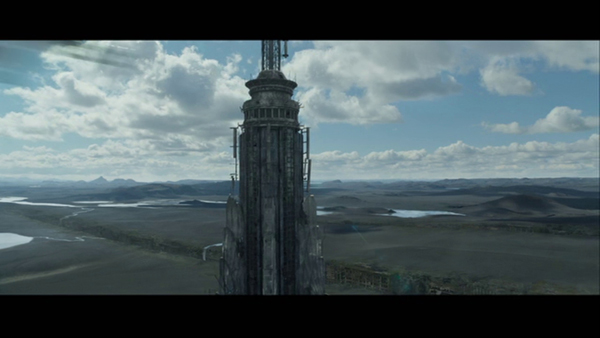
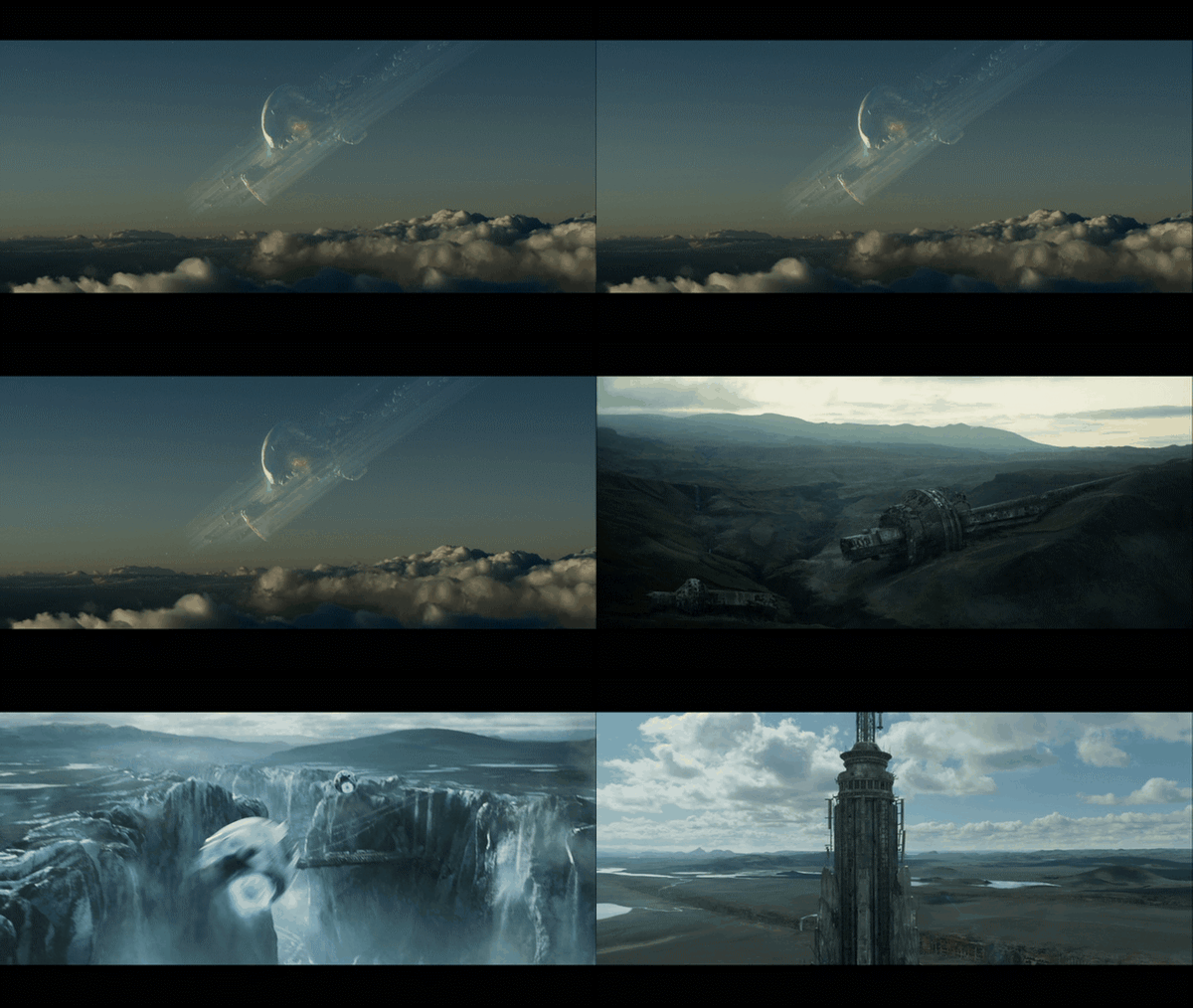
Sample:
The Limitation of Free Trial
1. The unregistered version of Video to Picture Converter will put words "Unregistered verion" on output picture.
2. No expiration.
3. No functional limitation.
Contact Us | License | Privacy | Sitemap
Copyright © 2009-2024 AoaoPhoto Digital Studio. All rights reserved.