


The animated GIF is a strange form of expression, completely devoid of sound, repeating in an endless loop. Yet there is something intoxicating about an animated.
Creating your own animated GIF from a video can be a lot of fun. Animated GIF images can be used as an avatar on a website or distributed among your friends.
Aoao Video to GIF Converter is an simple and quick video to GIF software on Windows, capable of converting all popular formats of video to animated GIF, let you play video in GIF image. Support import video formats includes AVI, MPEG, MP4, MKV, WMV, MOV, 3GP, etc.
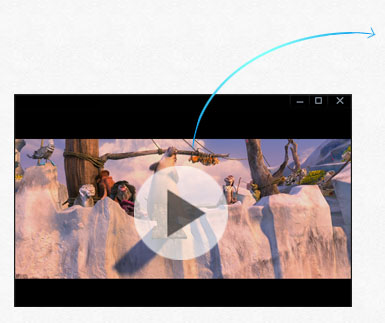
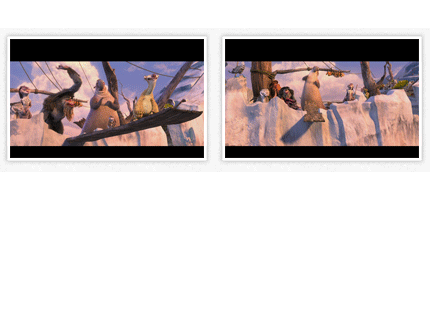
Come on, download Aoao Video to GIF Converter, let us to start create your own animated GIF from video.
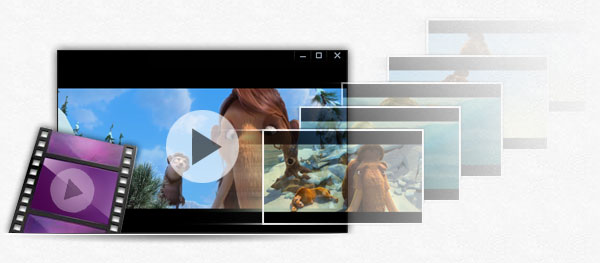
Easy to convert video file like AVI, WebM, MP4, MPG, WMV, MKV, MOV, 3GP, RMVB and more to picture files like JPG, GIF, BMP, TGA, TIF, PCX, ICO, etc. You can also capture single picture from video.
This process just need 3 steps: Load video > Select the output period > Run
Varieties of special effects can be added to retouch your GIF during conversion process. Just need one click and no extended time.
The special effects including: black and white, gray scale, emboss, invert, blue, sharpen, noise, brighten, etc.
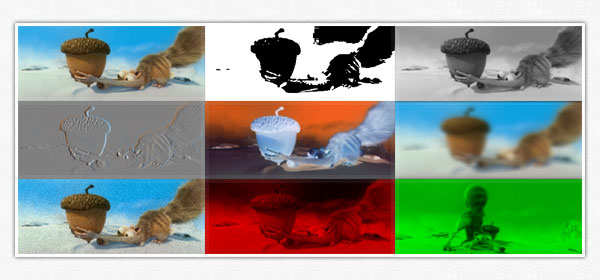
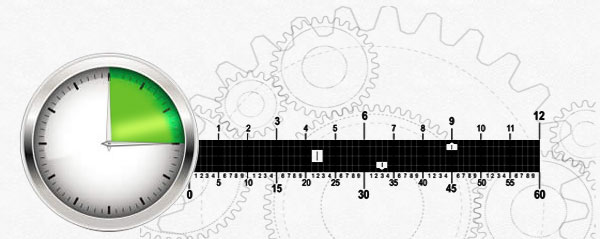
Aoao Video to GIF Converter allows you to select any period of time you want to convert. Besides, Rate Setting function means you can set 24 frames per second or just 1 frame per second to get animated GIF with small size. Download Aoao Video to GIF converter to enjoy more...
Aoao Video to GIF Converter adopts time slider + frame rate control to set part of outputting. On this basis, you can also fine-tune to each frame (usually one minute with 24 frames)
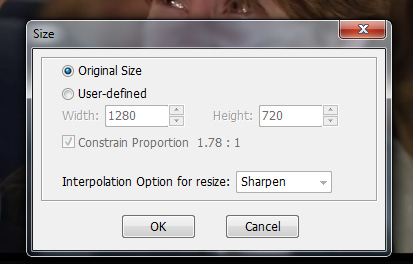
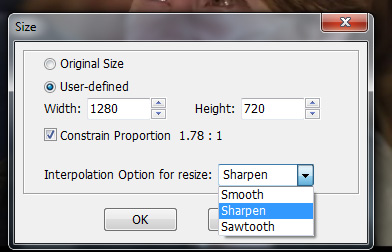
Two options - Keep original video’s size or set customized value of gif's width and height.
Suggestions: Do not cancel the box of Constrain Proportion


Check sample of video to gif animation left.