
MOV to GIF
How to convert movie to gif
How to convert mpeg to gif
How to convert video to gif
How to make a gif from a video
How to make a photo video
How to make a picture video
How to make gif from video
How to make video into gif
AVI to animated gif
AVI to gif
AVI to gif converter
AVI video to gif
Free avi to gif freeware
Movie to gif converter
MPEG to gif converter
Turn video into picture
Video to gif converter
Video to gif maker
Video to animated gif
Overview
Getting Started
Detail of Video to GIF Converter
Tech Article
Screenshot
Check Support Formats

Get latest version of Video to Picture Converter.
Video to GIF Converter getting started
View Detail of Video to GIF Converter
AVI Defined by Microsoft, avi stands for Audio Video Interleave. It is a special case of the RIFF (Resource Interchange File Format). AVI is the most common format for audio/video data on the PC.
GIF include still gif and animated gif.
Still GIF has a still image, due to the 256-color limitation of GIF, the color is dithered. The compression is not that big.
Animated GIF is not really a video format. It is a sequence of GIF frames stringed together. Due to the 256-color limitation of GIF, the color is dithered. The compression is not that great, so the file size tend to be large given the frame rate and resolution.
Convert AVI to GIF is make a video into a gif image, keep dynamic frames, but has no any audio information, you can put it to any web for share it. it smaller than avi video. So it the more popular.
If you never used Aoao Video to GIF Converter, please download it at: https://www.aoaophoto.com/products/video-to-gif.exe
After the downloading has been completed please install it on your computer. This is a shareware, free trial without functional limitations, but the unregistered version will put words "Unregistered Version" on processed image. The list price is $29.90, now limited discount price is $19.90 few days, please seize the chance to purchase >>
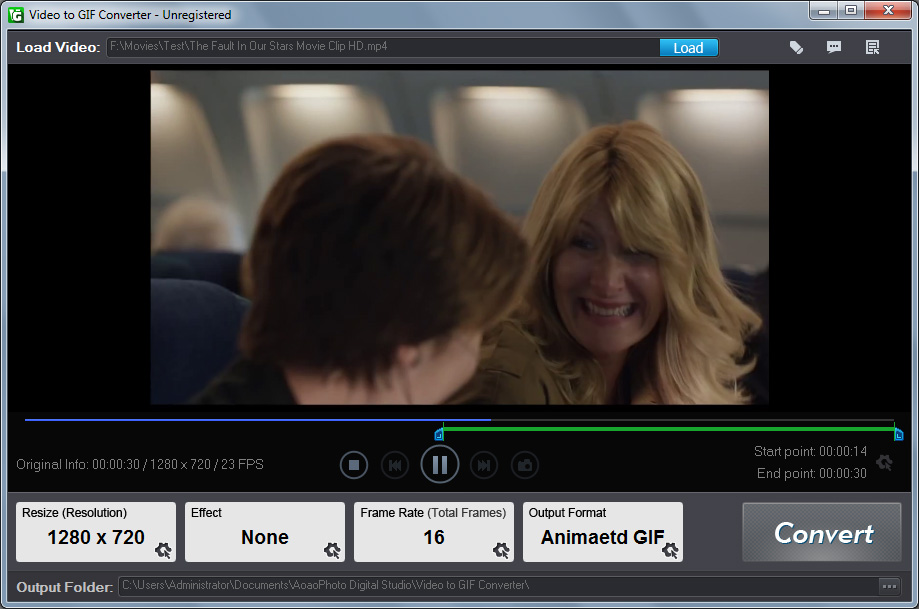
Step1: Launch Video to GIF Converter, click "Load Video" button to load your video file.
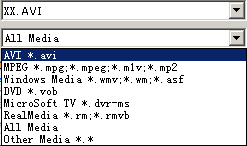
Select video format to AVI.
The video played in preview box, you can play, pause, stop, backward, forward and click the "Camera" icon to capture a still gif, jpeg or other image formats.
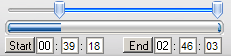
Step2: Adjust part of time for output gif image.
You can drag the small "Bar" or manually type start time and end time, click "Start" and "End" button to apply.
Step3: Choose a existing output size or manually type a size.
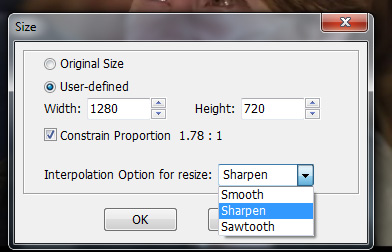
Step4: How many images per sec. setting.
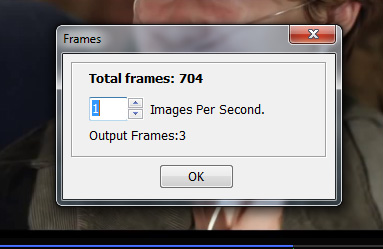
Step5: "Run" button to convert avi to gif.
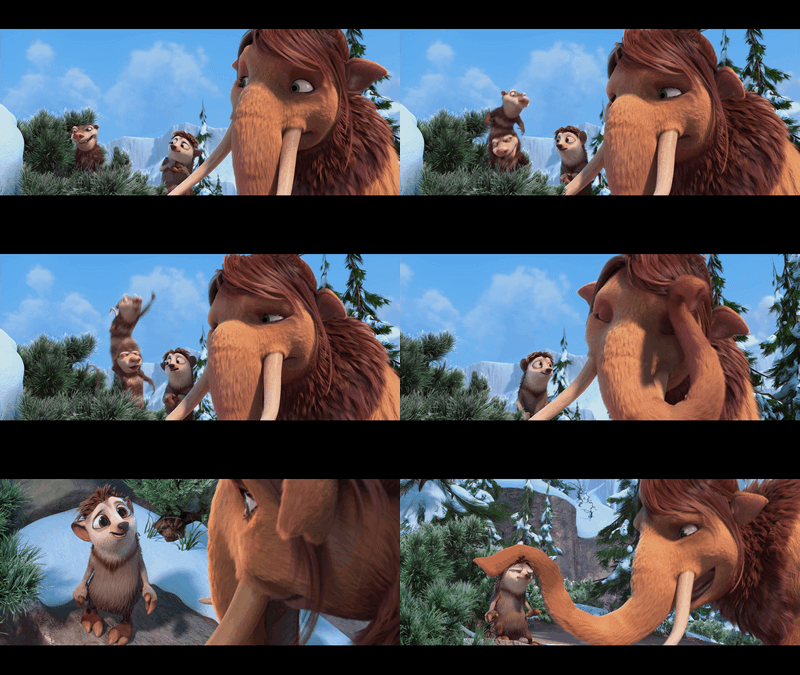
The Limitation of Free Trial
1. The unregistered version of Video to GIF Converter will put words "Unregistered verion" on output picture.
2. No expiration.
3. No functional limitation.
Contact Us | License | Privacy | Sitemap
Copyright © 2009-2024 AoaoPhoto Digital Studio. All rights reserved.